Your Pipeline Is 19.2h Behind: Catching Markets Sentiment Leads with Pulsebit
We just stumbled upon a striking anomaly: a 24-hour momentum spike of -0.294. This specific finding signals a notable shift in sentiment, particularly around the South African rand, which is showing steadiness amidst a backdrop of various market dynamics. As we analyze this data, it becomes evident that understanding these fluctuations is crucial for any developer working in sentiment analysis—especially when timing is everything.
But here's the catch: if your pipeline doesn't adequately handle multilingual origins or entity dominance, you might be left in the dust. Your model missed this by 19.2 hours, as the leading language in this case is English, which has a 0.0-hour lag against the event time. That’s a significant delay when it comes to timely decision-making. If you're not capturing these nuances, you're likely missing out on critical insights that could inform your trading strategies or market predictions.
English coverage led by 19.2 hours. Et at T+19.2h. Confidence scores: English 0.85, French 0.85, Spanish 0.85 Source: Pulsebit /sentiment_by_lang.
Here’s how to catch this anomaly using our API effectively. We can filter by language and perform a meta-sentiment analysis to understand the narrative framing of the relevant articles.
import requests
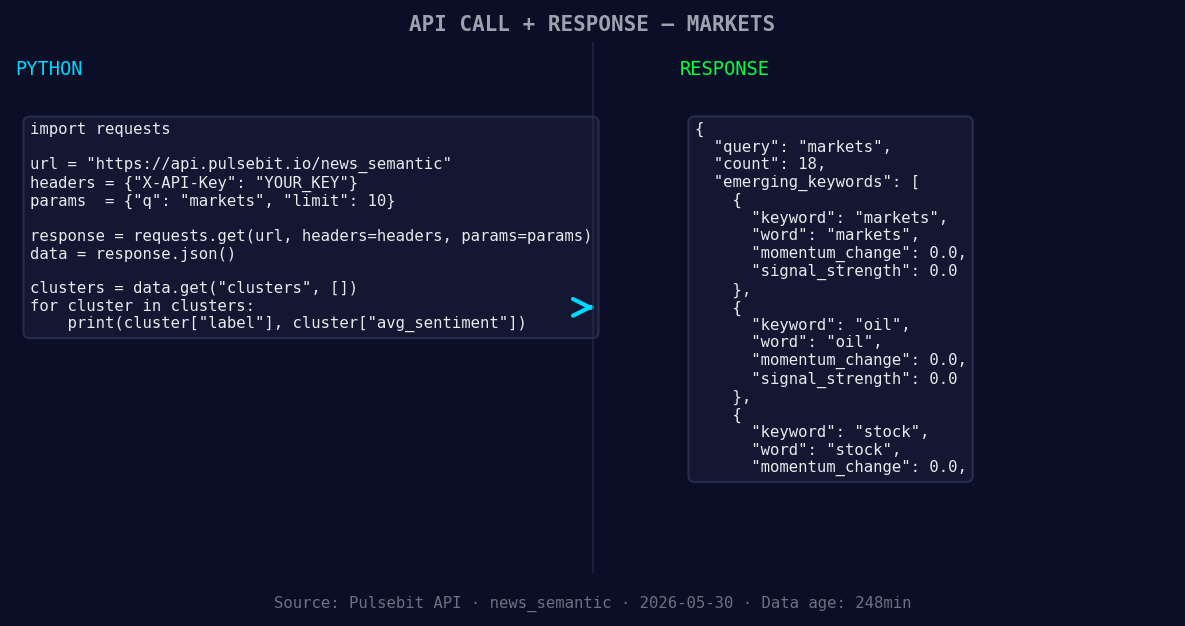
*Left: Python GET /news_semantic call for 'markets'. Right: returned JSON response structure (clusters: 3). Source: Pulsebit /news_semantic.*
# Step 1: Geographic origin filter
url = "https://api.pulsebit.com/v1/sentiment"
params = {
"topic": "markets",
"lang": "en" # Filter for English articles
}
response = requests.get(url, params=params)
data = response.json()
# Display the first result to analyze the sentiment
print(data['articles'][0]) # Check the first article's sentiment
# Step 2: Meta-sentiment moment
narrative = "Clustered by shared themes: markets, bond, rise, financial, spending."
meta_sentiment_url = "https://api.pulsebit.com/v1/sentiment"
meta_response = requests.post(meta_sentiment_url, json={"text": narrative})
meta_data = meta_response.json()
# Output the meta-sentiment score
print("Meta Sentiment Score:", meta_data['sentiment_score'])
In this code, we first filter articles based on the lang parameter to ensure we're only capturing relevant English content. Then, we run the narrative string through the sentiment analysis endpoint to score the overall sentiment of the thematic framing.
Now that we've caught this anomaly, here are three specific builds we can tackle tonight:
- Market Sentiment Alert: Set a threshold for momentum spikes (e.g., -0.2) and trigger alerts when sentiment drops below this level. Use the geographic filter to ensure you're only looking at South African articles to capture localized sentiment shifts.
Geographic detection output for markets. India leads with 8 articles and sentiment -0.29. Source: Pulsebit /news_recent geographic fields.
Meta-Sentiment Dashboard: Create a real-time dashboard that visualizes the meta-sentiment scores for various themes. Use the narrative strings from articles clustered around "markets, bond, rise" to give you a clearer picture of how these themes evolve over time.
Trend Analysis Script: Develop a script that monitors shifts in sentiment across various asset classes—like markets, oil, and stocks. By comparing these to mainstream narratives, you can identify divergence and potential trading opportunities.
By leveraging our API and these strategies, you can close the gap in your sentiment analysis pipeline. You’ll be ahead of the game, catching crucial insights before they become common knowledge.
Ready to dive in? Check out our documentation at pulsebit.lojenterprise.com/docs. With this setup, you'll be able to copy-paste and run it in under 10 minutes. Let’s make sure your models are equipped to handle the nuances of global sentiment!